AWS CodeBuild Error: Unknown Runtime Version
Error Message
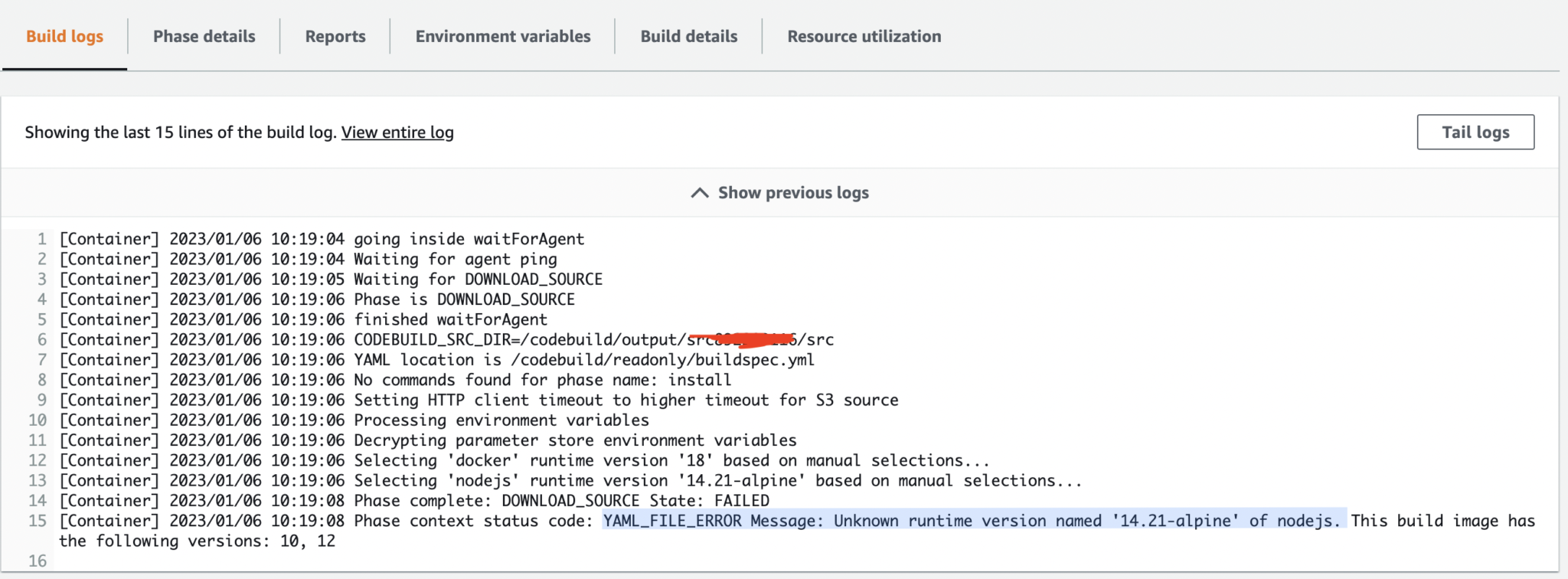
YAML_FILE_ERROR Message: Unknown runtime version named ‘14.21-alpine’ of Node.js. This build image has the following versions: 10, 12.
What Does This Error Mean?
This error occurs when AWS CodeBuild is unable to recognize the runtime version specified in the buildspec.yml file.
In most cases, it happens while updating the Node.js version in the runtime-versions section of your buildspec file, but the selected CodeBuild image does not support that runtime version.
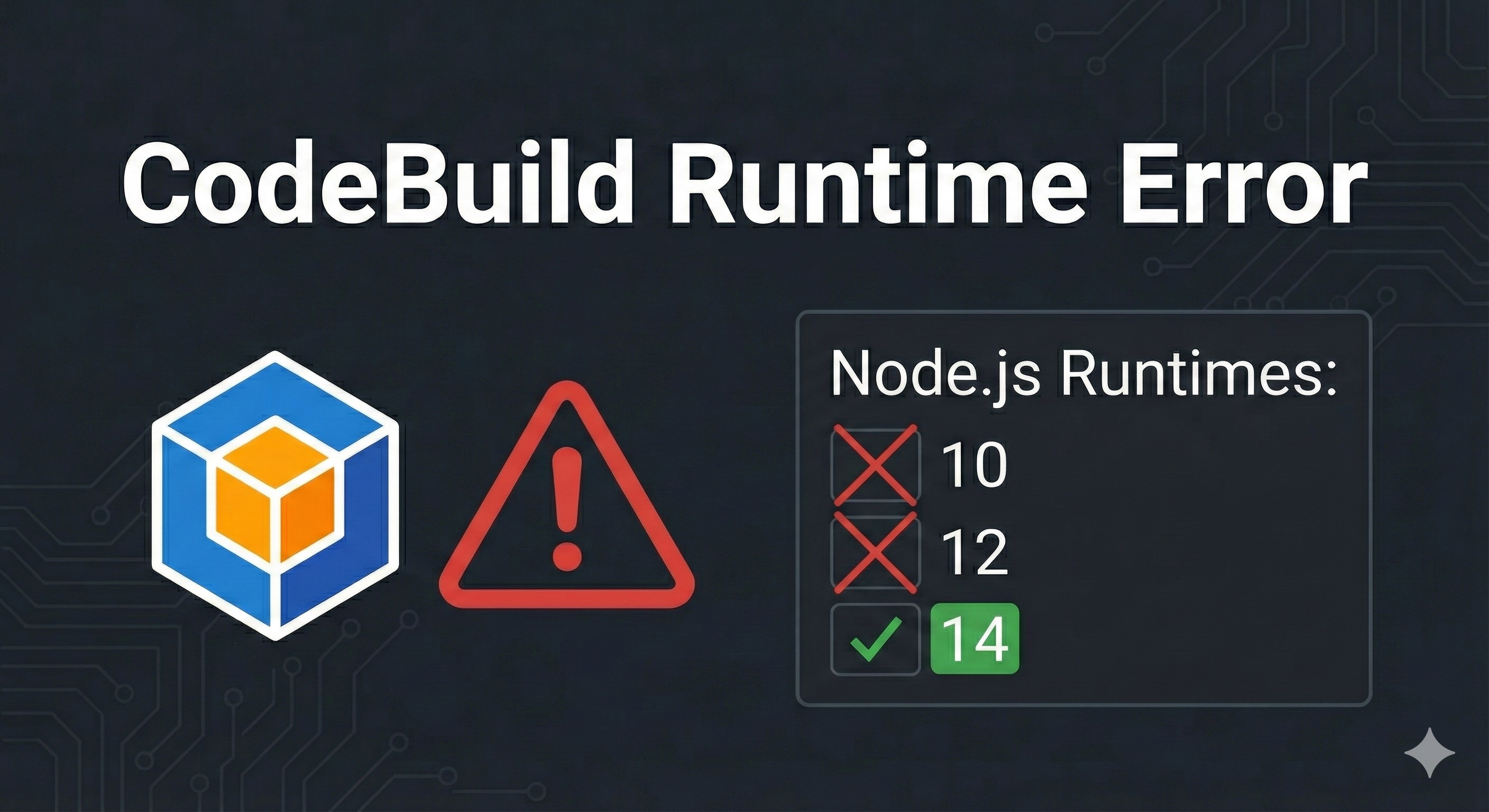
For example, if your build image supports only Node.js versions 10 and 12, and you try to use 14.21-alpine, CodeBuild will fail with this error.
Common Causes
- Using a Node.js version not supported by the selected CodeBuild image
- Using Docker-style tags (like
-alpine) in runtime-versions
- Outdated CodeBuild environment image
- Incorrect or unsupported syntax in
buildspec.yml
Solution: Update the CodeBuild Runtime or Image
To resolve this issue, you must ensure that the Node.js version you specify is supported by the CodeBuild image you are using.
You can define supported runtimes inside the runtime-versions section of your buildspec.yml file.
Example: Correct buildspec.yml Configuration
version: 0.2

phases:
  install:
    runtime-versions:
      nodejs: 14
    commands:
      - npm install
  build:
    commands:
      - npm run build
⚠️ Note: CodeBuild does not support Alpine-based runtime tags like 14.21-alpine. Always specify the major version only.
Check Available CodeBuild Runtimes
AWS frequently updates available runtimes. Before selecting a version, verify the supported runtimes for your build image from the official AWS documentation:
https://docs.aws.amazon.com/codebuild/latest/userguide/available-runtimes.html
Best Practices
- Always use the latest managed CodeBuild image
- Avoid using Docker-style tags in runtime-versions
- Pin only major runtime versions unless explicitly supported
- Test runtime changes in a separate branch before deploying
Final Thoughts
The Unknown runtime version error in AWS CodeBuild is usually caused by a mismatch between the selected runtime and the build image.
Updating the image or choosing a supported Node.js version will resolve the issue quickly.
For any AWS or CI/CD-related help, feel free to contact us at info@codingbeez.com.
Enjoy Happy Coding!
Prakash Pradhan
Sr. Software Engineer
Senior Software Engineer with 10+ years of experience in designing and scaling distributed systems and full-stack applications. Experts in optimizing system performance, and delivering high-impact technical solutions across the entire software development lifecycle.






Comments
No comments yet.