Hello NVM users!
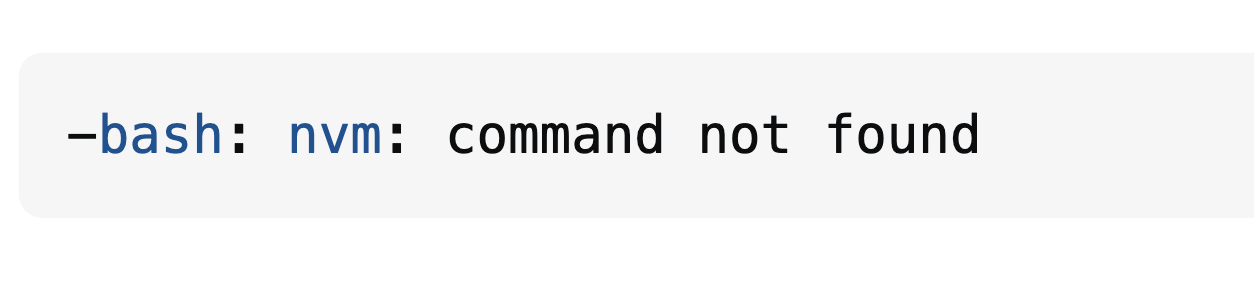
I recently encountered a situation where i installed the nvm but while trying to use it, I was showing the error as “-bash: nvm: command not found”.
In this blog i will share the solution i used to resolve it. so that everyone can get help form it.
Lets understand the NVM first.
What is nvm?
Node Version Manager, often abbreviated as nvm, is a command-line tool that allows us to manage multiple Node.js versions on our system. It’s particularly useful for developers who need to work with different Node.js versions across various projects.
Ex: Let’s suppose in our system we have node version 21.. , and we receives a project to work which is running in node 18… so in this situation we can use the NVM to install and use node 18 also in the same system.
So NVM enables us to install and switch between different Node.js versions (e.g., v14, v16, v18) without conflicts. Instead of uninstalling and reinstalling Node.js each time we need a different version, nvm provides a streamlined way to switch between them.
How to install nvm in macOS?
We can follow these steps to install NVM.
1: Install Homebrew:
/bin/bash -c "$(curl -fsSL https://raw.githubusercontent.com/Homebrew/install/HEAD/install.sh)"
2: Install NVM using Homebrew:
Once Homebrew is installed, we can use the below command in terminal to install nvm:
brew install nvm
3: Add Source in your shell profile
Add the following lines to your shell profile file (e.g., ~/.bashrc, ~/.zshrc, or ~/.bash_profile):
export NVM_DIR=~/.nvm
[ -s "$NVM_DIR/nvm.sh" ] && \. "$NVM_DIR/nvm.sh"  # This loads nvm
[ -s "$NVM_DIR/bash_completion" ] && \. "$NVM_DIR/bash_completion"
Restart your terminal or run source ~/.your_shell_profile to apply the changes.
4: Verify Installation
Verify that NVM is installed or not by running:
nvm --version
Now if you are getting the error as “nvm : command not found”, what i received for my project then follow the below steps:
Step 1: Check again or add the following lines in ~/.bashrc file.
export NVM_DIR="$HOME/.nvm"
[ -s "$NVM_DIR/nvm.sh" ] && \. "$NVM_DIR/nvm.sh"  # This loads nvm
[ -s "$NVM_DIR/bash_completion" ] && \. "$NVM_DIR/bash_completion"  # This loads nvm bash_completion
Step 2: Open terminal and add source to the nvm.sh script
source ~/.nvm/nvm.sh
It should solve the issue, as the “nvm : command not found” error is basically issue with source setup.
I hope this helps! Thanks for reading and happy coding!
Prakash Pradhan
Sr. Software Engineer
Senior Software Engineer with 10+ years of experience in designing and scaling distributed systems and full-stack applications. Experts in optimizing system performance, and delivering high-impact technical solutions across the entire software development lifecycle.






Comments
Prakash Pradhan
Dec 19, 2025
Awesome